先看最後效果
這篇會用一個主題先生成微縮模型圖,再做倒塌動畫,把影片倒放成建築生成效果,最後讓周圍的小車和人物動起來。
Step 1:生成微縮模型
Prompt
User Input Theme: McDonald's

Based on the user's input [Theme/Brand/Model Name], generate a highly finished 45° top-down isometric miniature 3D architectural model poster.

Visual Requirements
Perspective: -45° top-down isometric / axonometric

Style: Miniature model feel, toy-like, clean, and centered composition

Base: Small elevated pedestal holding the main building and minimal surrounding environment

Details: Optional minimal elements like figures, greenery, tables, chairs, street signs, streets, and steps

Characters: Cute and simplified figures with no facial details

Aesthetic: Premium, restrained, and tidy, resembling a luxury brand display or design proposal

Framing Requirements
Dimensions: Square composition, 1080x1080

Layout: Perfectly centered layout

Exclusions: No complex backgrounds, cluttered decorations, over-realism, or messy streetscapes

Output Goal
Create a premium visual combining:
- a white background
- authentic brand color system
- high-end architectural model texture
- miniature isometric architecture

Ideal for brand showcases, conceptual proposals, social media covers, or series creation.
把 McDonald's 換成你自己的主題或品牌名稱。主題要夠明確,讓模型知道建築類型;但不要一次塞太多周邊元素。
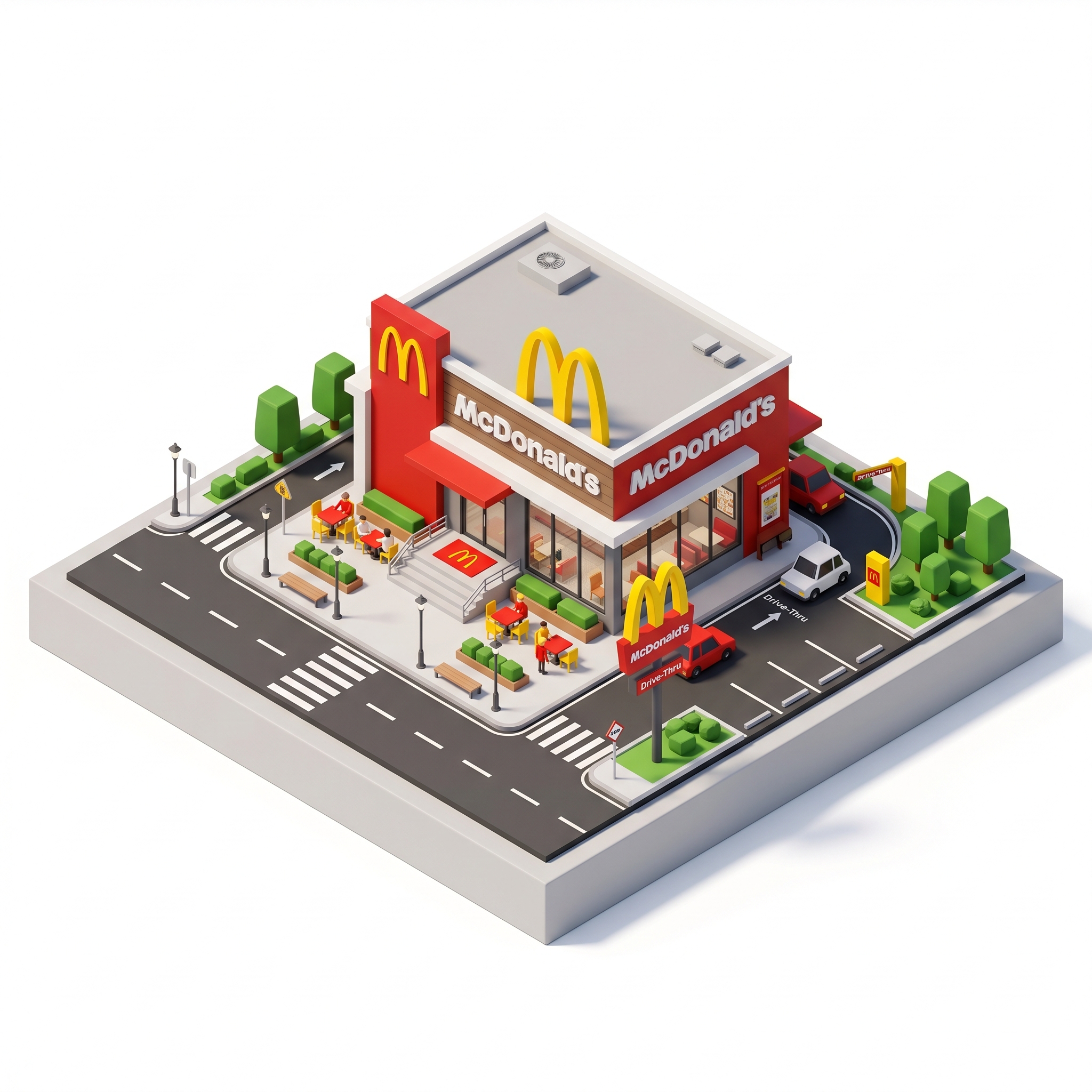
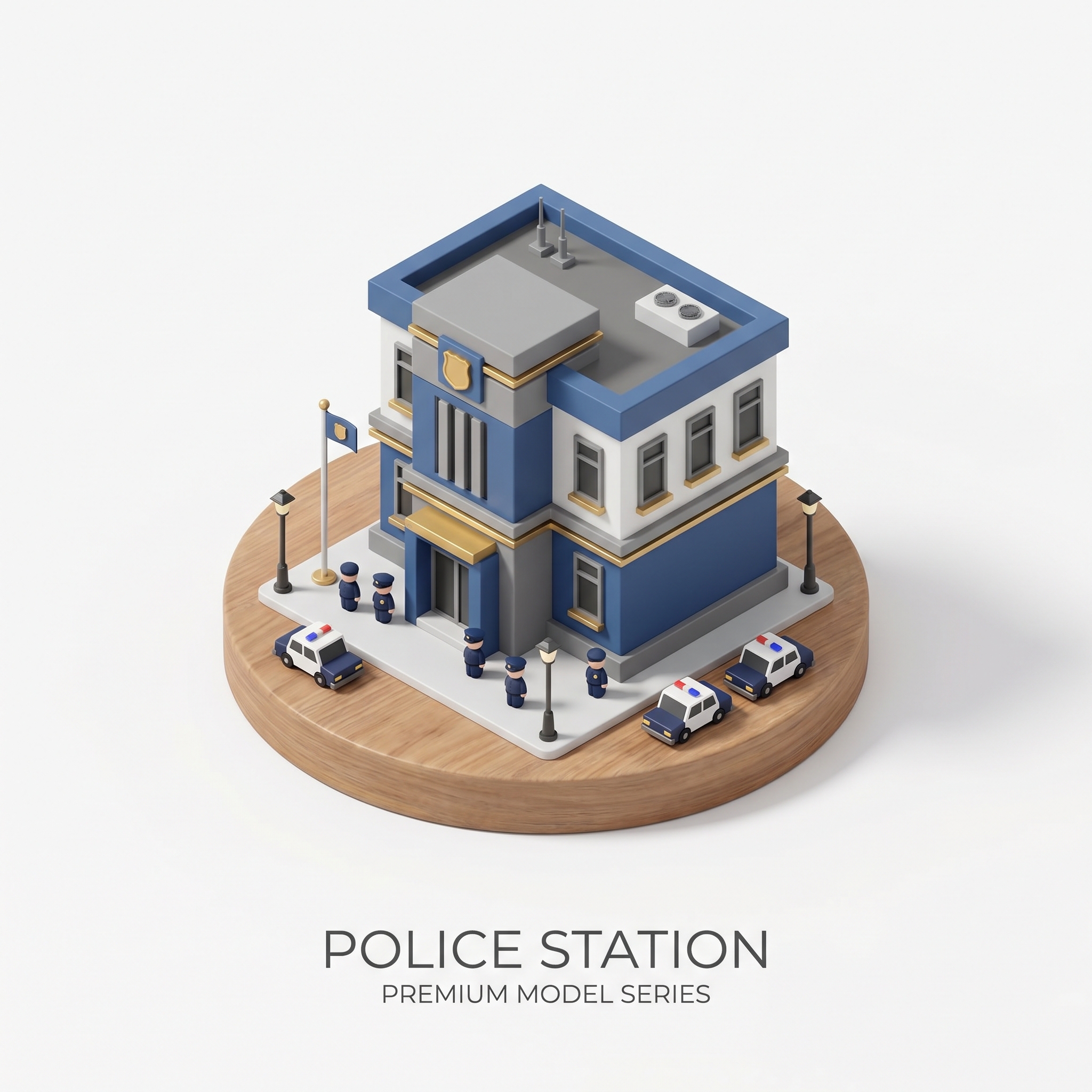
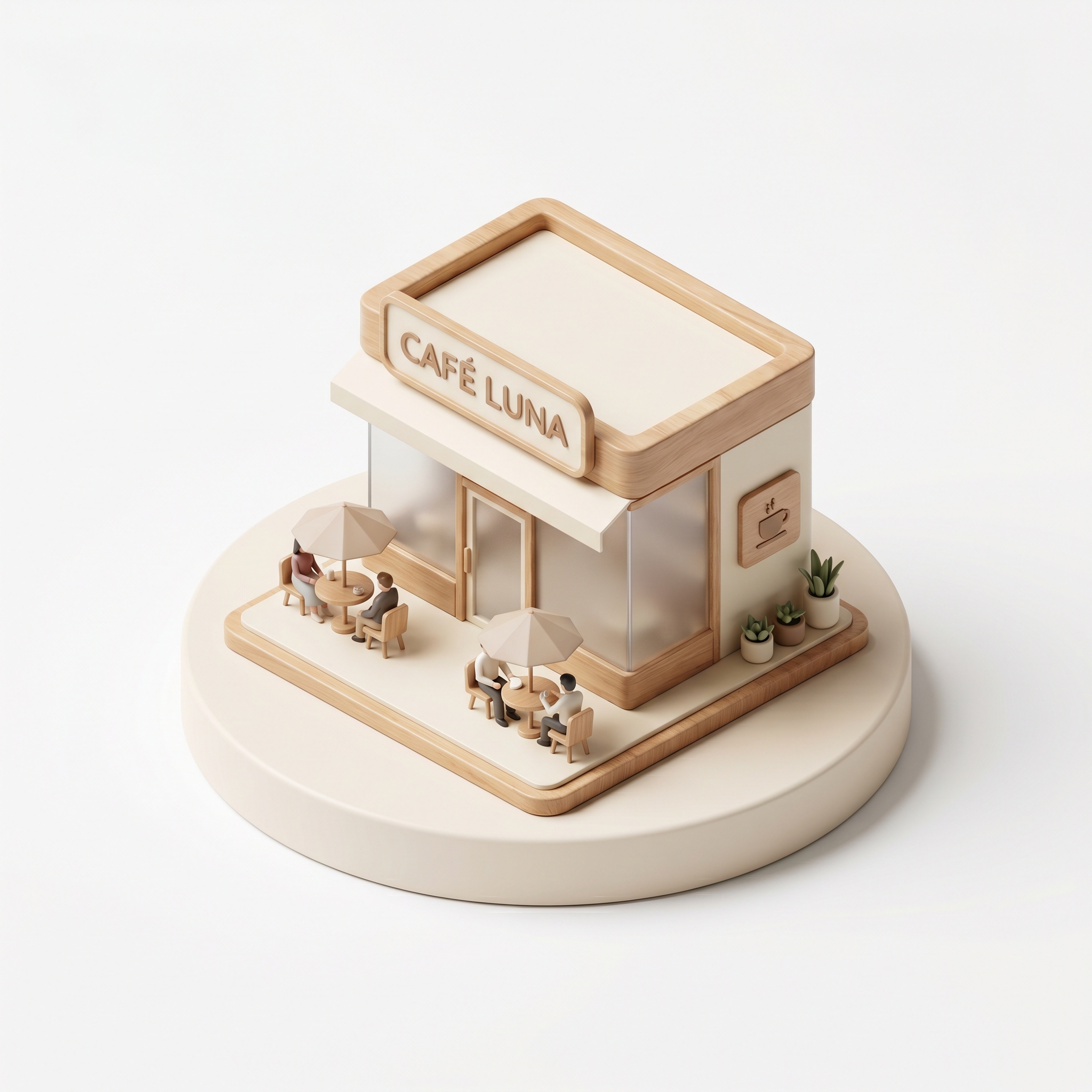

這一步產出的圖片,就是後面兩種影片 prompt 的 start frame。
Step 2:先生成倒塌,再倒放影片
Prompt
0-1s:
The animation begins with the complete miniature model exactly as shown in the start frame.
The camera smoothly and slightly pulls back as the deconstruction process initiates.

1-2s:
All lighting elements, interior glows, and material reflections visible on the structure gradually dim and power off completely.
Fine textures lose their brightness.

2-3s:
All secondary standalone objects, peripheral props, and environmental elements strictly present in the start frame rapidly shrink, pop down, and disappear into the ground.
Absolutely no new assets are generated.

3-4s:
Rooftop structures, facade attachments, and external decorative components fold away and retract into the main core.
The overall layered composition becomes flatter.

4-5s:
The main architectural body, including its walls, structural pillars, and primary frames, smoothly disassembles from top to bottom.
It collapses and flattens completely into the base foundation.

5-6s:
All ground markings, surface textures, and layout lines automatically fold backward and vanish into the foundation.
The video seamlessly ends with only the empty, clean, light gray isometric platform matching the end frame.
Google Flow 對這種首幀 / 尾幀轉換不一定穩。如果你把完整建築放在尾幀,它可能先生成一個完全不相關的建築,最後才突然跳到你的微縮模型。
所以這裡反過來做:先讓完整微縮模型倒塌成乾淨平台,再把影片倒放。倒放後才會變成我們真正想要的「建築生成」效果。
Step 3:讓微縮場景活起來
Prompt
Camera:
Completely static camera.
Maintains the exact fixed isometric 3/4 perspective from the start frame with zero camera movement.

Environment:
The building, signs, trees, and roads remain perfectly still and stationary.

Animation:
Tiny miniature cars drive smoothly along the dark gray roads and move through the drive-thru lane.
The minimal figures (people) walk subtly around the outdoor seating tables and across the crosswalks.
Smooth, seamless, toy-like animation loop.
這個版本要鎖住鏡頭和建築,只讓小元素動。這樣畫面會像高級玩具模型活起來,而不是變成混亂的 AI 影片。
總結流程
- 用一個明確主題生成微縮模型圖片。
- 用首幀 / 尾幀生成倒塌版本。
- 把倒塌影片倒放,變成建築生成動畫。
- 再用 live-scene prompt 替微縮模型加入小車和人物動態。