Watch the HTML logo animation
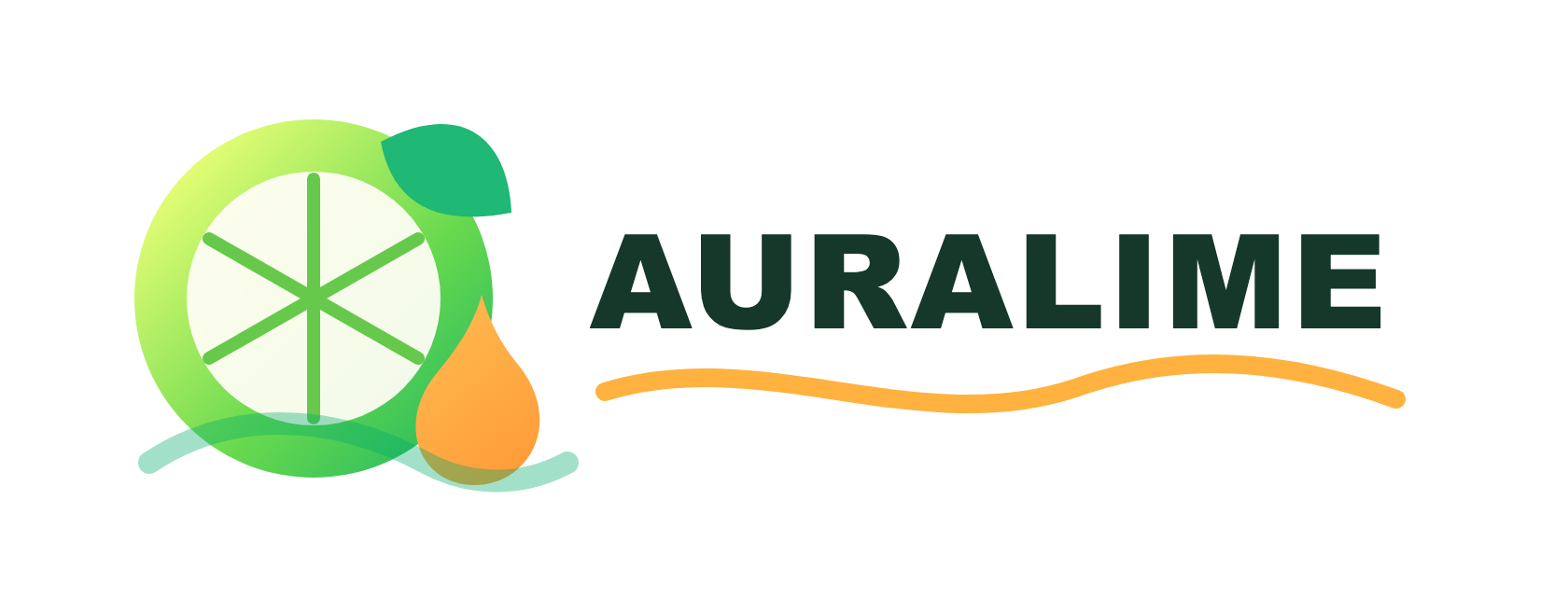
This guide uses AURALIME as one complete example: generate a clean SVG logo, prepare semantic motion parts, animate it in HTML, QA the final frame, then export transparent files for editing.
Pipeline overview
The workflow has two main stages: first generate a clean SVG logo, then animate that SVG with separated semantic parts.
Brand prompt
  -> logo-generator skill
  -> 6 logo concept SVGs
  -> selected final logo.svg
  -> pixel2motion skill
  -> motion-ready SVG structure
  -> motion.css
  -> logo_motion.html
  -> QA frames / motion strip
  -> transparent exports
This guide uses one example only: AURALIME, a fresh citrus beverage logo designed to be clean, bright, and easy to animate.
Step 1: Install the skills
This workflow uses two Codex skills: logo-generator for SVG logo concepts, and pixel2motion for turning SVG parts into motion.
$ python3 /Users/jfon/.codex/skills/.system/skill-installer/scripts/install-skill-from-github.py \
  --repo op7418/logo-generator-skill \
  --path . \
  --name logo-generator
$ python3 /Users/jfon/.codex/skills/.system/skill-installer/scripts/install-skill-from-github.py \
  --repo nolangz/pixel2motion \
  --path . \
  --name pixel2motion
After installing new skills, restart Codex so they appear as normal available skills.
Step 2: Generate logo concepts
Ask logo-generator for six distinct SVG concepts first. Do not jump straight into animation. The selected logo needs simple geometry and parts that can become animation actors.
Generate 6 distinct SVG logo concepts.
Use a 0 0 100 100 viewBox for icon concepts.
Keep the geometry simple, scalable, and motion-ready.
Avoid decorative clutter.
Use clear semantic parts that can later become animation actors.
Create one selected direction and explain why it was selected.
Export final SVG and PNG source assets.
Example brand prompt:
Create a fresh citrus beverage logo named "AURALIME".
The visual language should feel fresh, buoyant, crisp, sunny, and clean.
Use lime green, citrus yellow, orange, and deep green.
Explore lime slices, leaves, droplets, liquid waves, bubbles, and packaging-friendly badge forms.
Generate 6 distinct SVG logo concepts.
The selected concept should be easy to animate as separated parts: rind, core, citrus segment lines, leaf, droplet, splash wave, wordmark, and underline wave.
Avoid overly cute fruit mascots.
Keep the logo clean enough for a beverage brand and bright enough for a short-form video hook.
Selection rule: choose the concept with the clearest semantic parts, not just the prettiest static image.
Step 3: Prepare motion-ready SVG
The final logo.svg should be built for motion, not just static display.
- Use stable IDs for animated parts.
- Keep one semantic part per element or group.
- Use
pathLength="1"on draw-on paths. - Avoid noisy trace geometry.
- Keep text and mark separated.
- Use transforms on semantic groups, not anonymous
nth-childselectors.
Good SVG actor IDs look like this:
AURALIME: #lime-rind, #lime-core, #segments, #leaf, #droplet, #splash-wave, #wordmark, #word-wave
Step 4: Animate with pixel2motion
Convert the final SVG into PNG source assets first. Use transparent PNG for export work, and a white-background PNG for static QA.
$ python /tmp/logo-generator-skill/scripts/svg_to_png.py \
  logo.svg \
  --output source_transparent.png \
  --width 1680 \
  --height 640
from PIL import Image

img = Image.open("source_transparent.png").convert("RGBA")
base = Image.new("RGBA", img.size, "white")
base.alpha_composite(img)
base.convert("RGB").save("source.png")
Then ask pixel2motion to write motion.css and package the result into logo_motion.html.
$ python /tmp/pixel2motion/scripts/animate_svg_showcase.py \
  logo.svg \
  --css motion.css \
  --out logo_motion.html \
  --title "AURALIME Logo Motion" \
  --duration-hint 1280 \
  --background "#f4fff2"
Motion prompt example:
Animate AURALIME as a fresh citrus beverage hook.
The reveal should feel fresh, buoyant, and crisp.
Start with the lime forming from a small blurred seed.
Expand the rind and core like a ripple.
Rotate the leaf into place on a soft arc.
Draw the citrus segment lines in staggered order.
Drop the orange citrus droplet with a gentle squash and rebound.
Reveal the wordmark and complete the liquid wave underline.
Final duration: 1280ms.
Step 5: QA the motion
Do not trust the animation just because it looks cool. Check static fit, motion frames, and final-frame alignment.
$ python /tmp/pixel2motion/scripts/render_overlay.py \
  logo.svg \
  source.png \
  --out outputs/fit_iterations/01_static_overlay.png \
  --render-out outputs/final_render.png \
  --report outputs/fit_metrics.json

$ python /tmp/pixel2motion/scripts/overlay_progress_strip.py \
  --source source.png \
  --dir outputs/fit_iterations \
  --pattern "*overlay*.png" \
  --final-image outputs/final_render.png \
  --out outputs/overlay_progress_strip.png

Then capture deterministic frames with ?t= timestamps.
$ python /tmp/pixel2motion/scripts/capture_motion_frames.py \
  logo_motion.html \
  --times 0,210,420,560,740,920,1160,1280 \
  --out outputs/motion_frames \
  --strip outputs/motion_strip.png \
  --report outputs/motion_capture_report.json

Final-frame check compares ?static=1 with ?t=<final-duration>. In this AURALIME example, the check reached max_abs_diff: 0, meaning the animation lands exactly on the final static logo.
Step 6: Export transparent files
Use preview exports for quick review, but use transparent exports for editing.
$ python export_logo_motions_transparent.py
- MOV ProRes 4444:
1920x1080,30fps, alpha channel. - WebM VP9 alpha:
1920x1080,30fps, alpha channel. - APNG:
1920x1080, alpha channel. - PNG sequence:
exports/transparent_frames/.
Recommended editing files:
auralime-logo-motion/exports/auralime-logo-motion-transparent.mov
Avoid using GIF as the final file. GIF is limited to 256 colors and often looks blurry around edges and gradients.
Final checklist
- Logo concept has clean geometry and clear semantic actors.
logo.svghas stable IDs for all animated parts.- Draw-on paths use
pathLength="1". source_transparent.pngandsource.pngboth exist.- Overlay QA does not reveal major geometry mismatch.
- Motion strip shows the intended timing and personality.
- Final animated frame matches the static logo.
- Transparent export has real alpha, not a fake solid background.